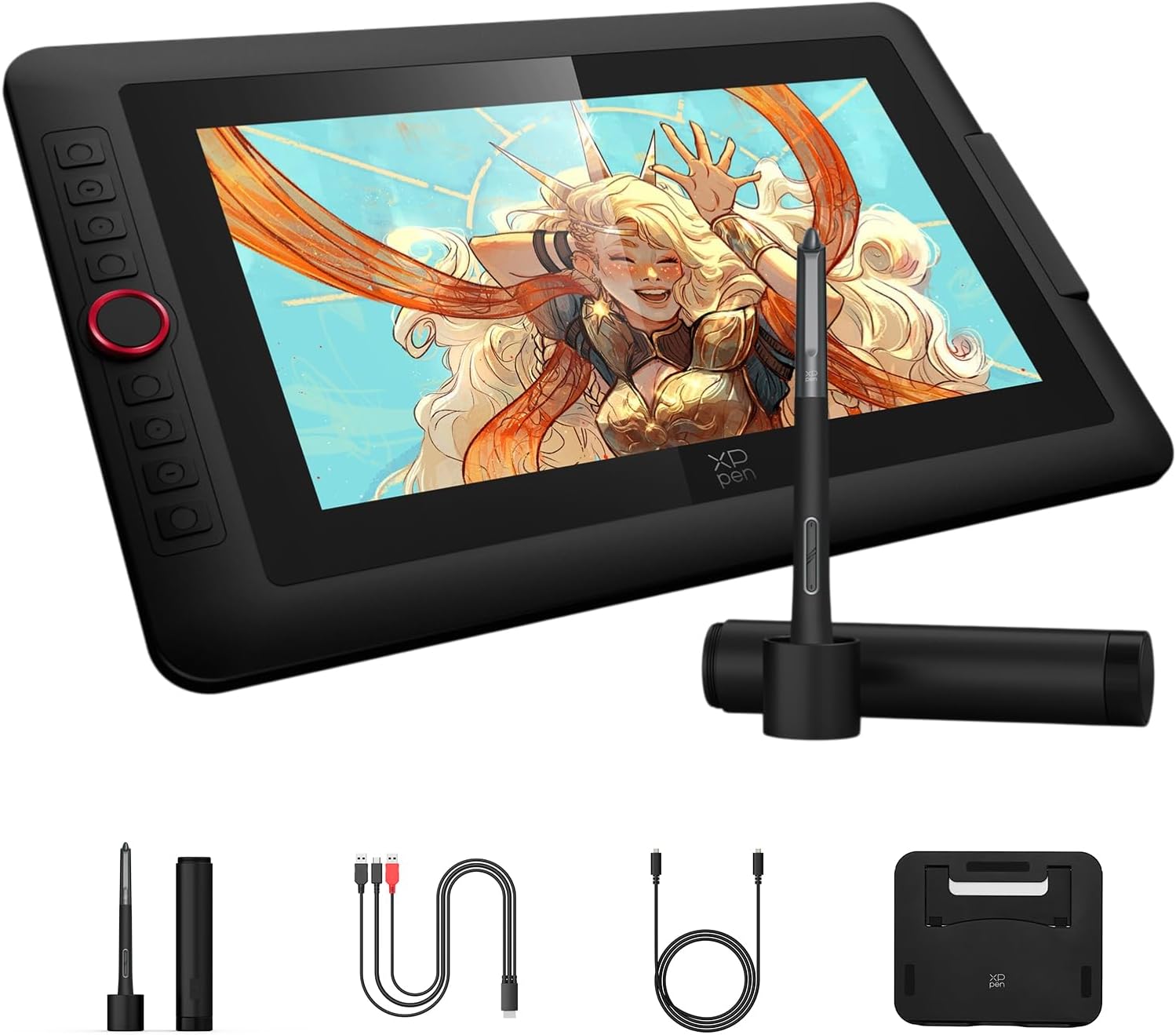
XPPen Artist 13.3 Pro V2 Drawing Tablet with Screen, 16K, Red Dial, 8 Keys
€67,00 EUR
Free worldwide shipping
Free returns
Carbon neutral
Secure payments
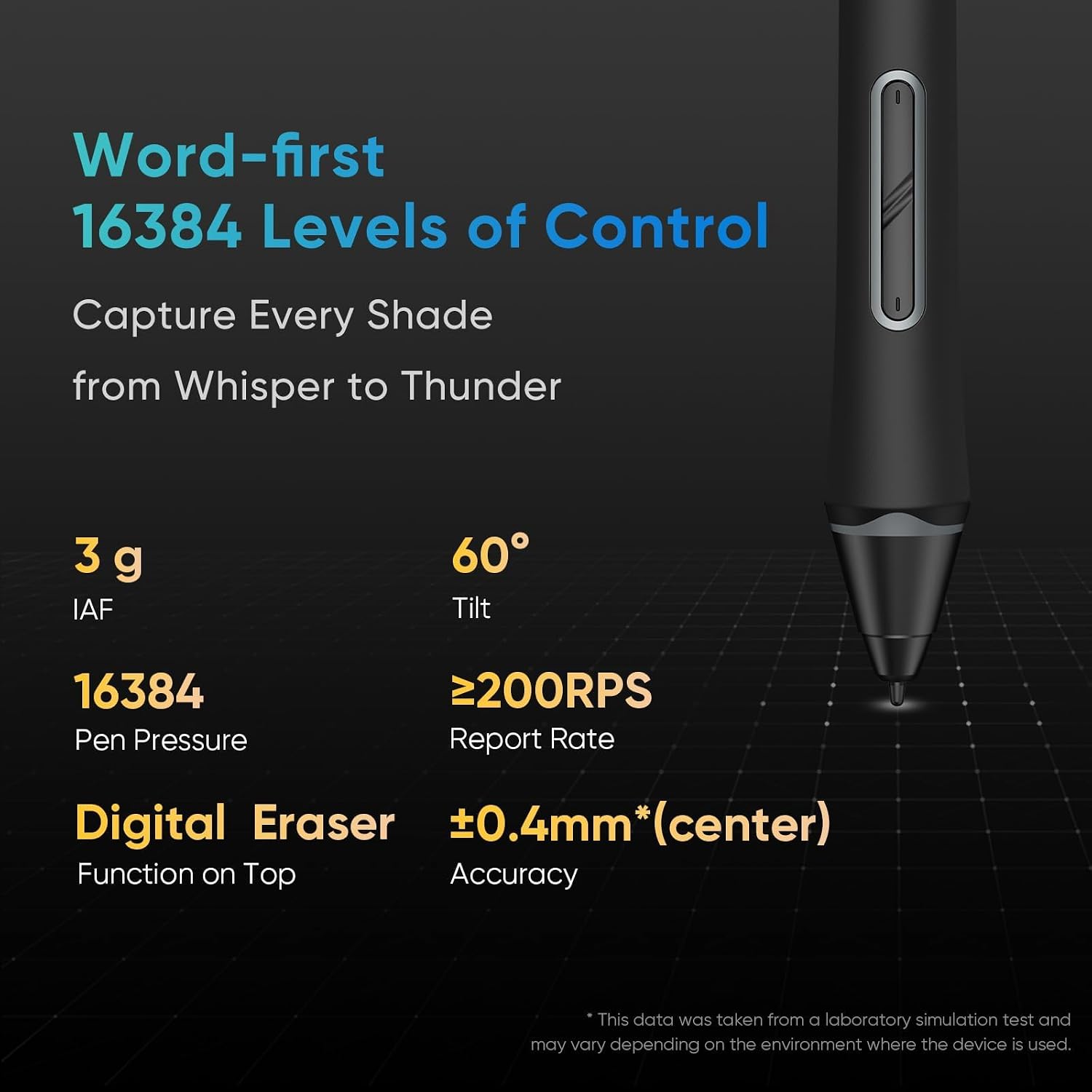
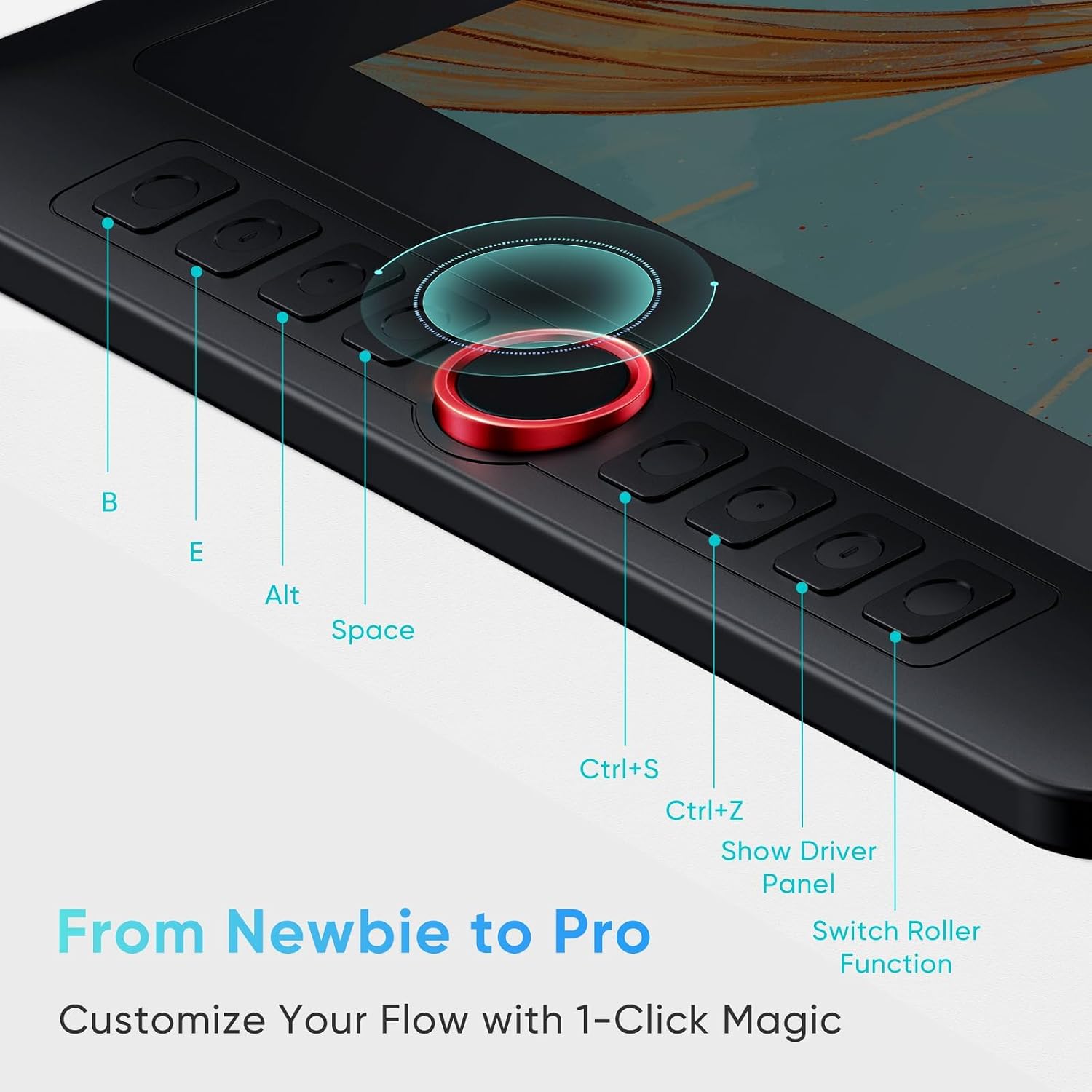
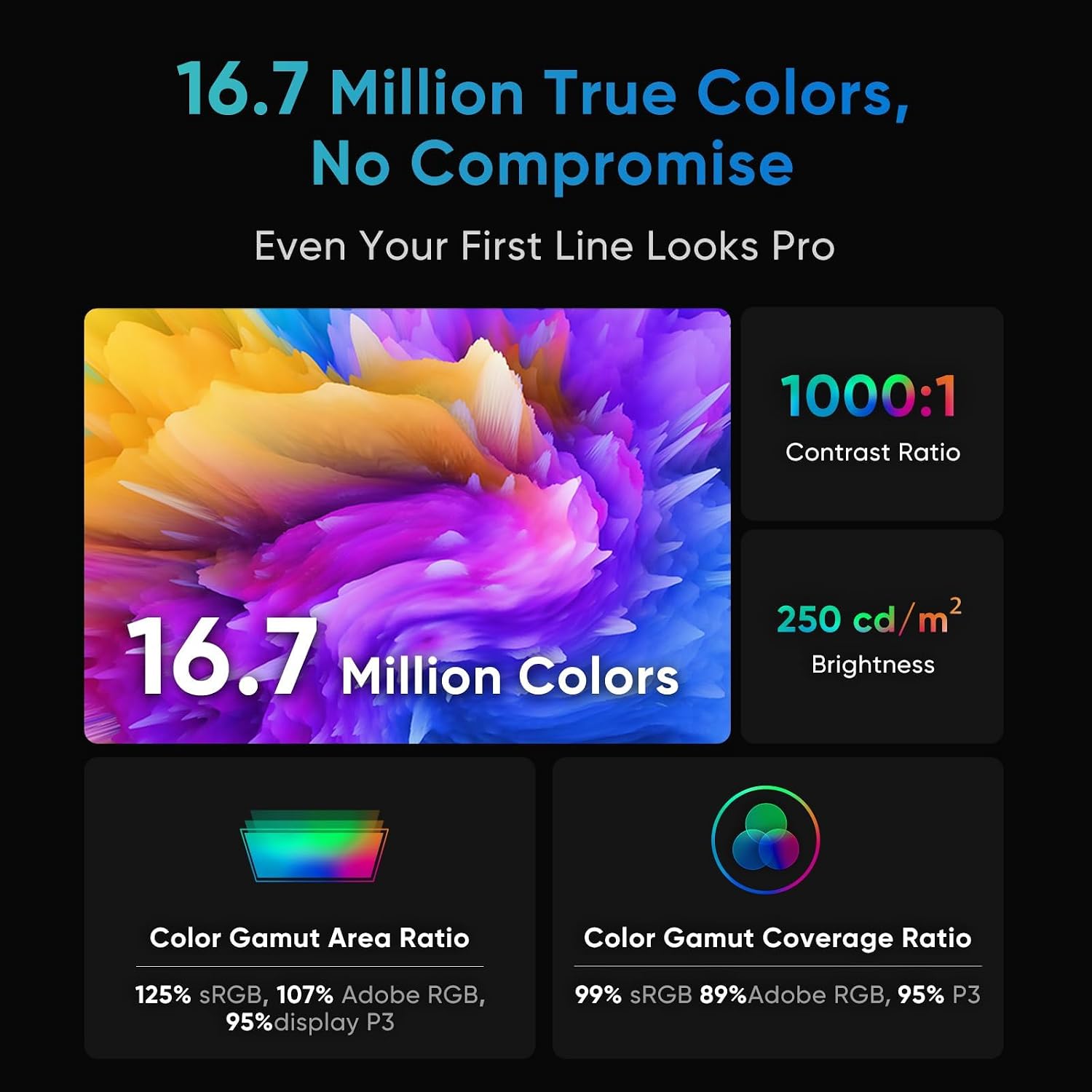
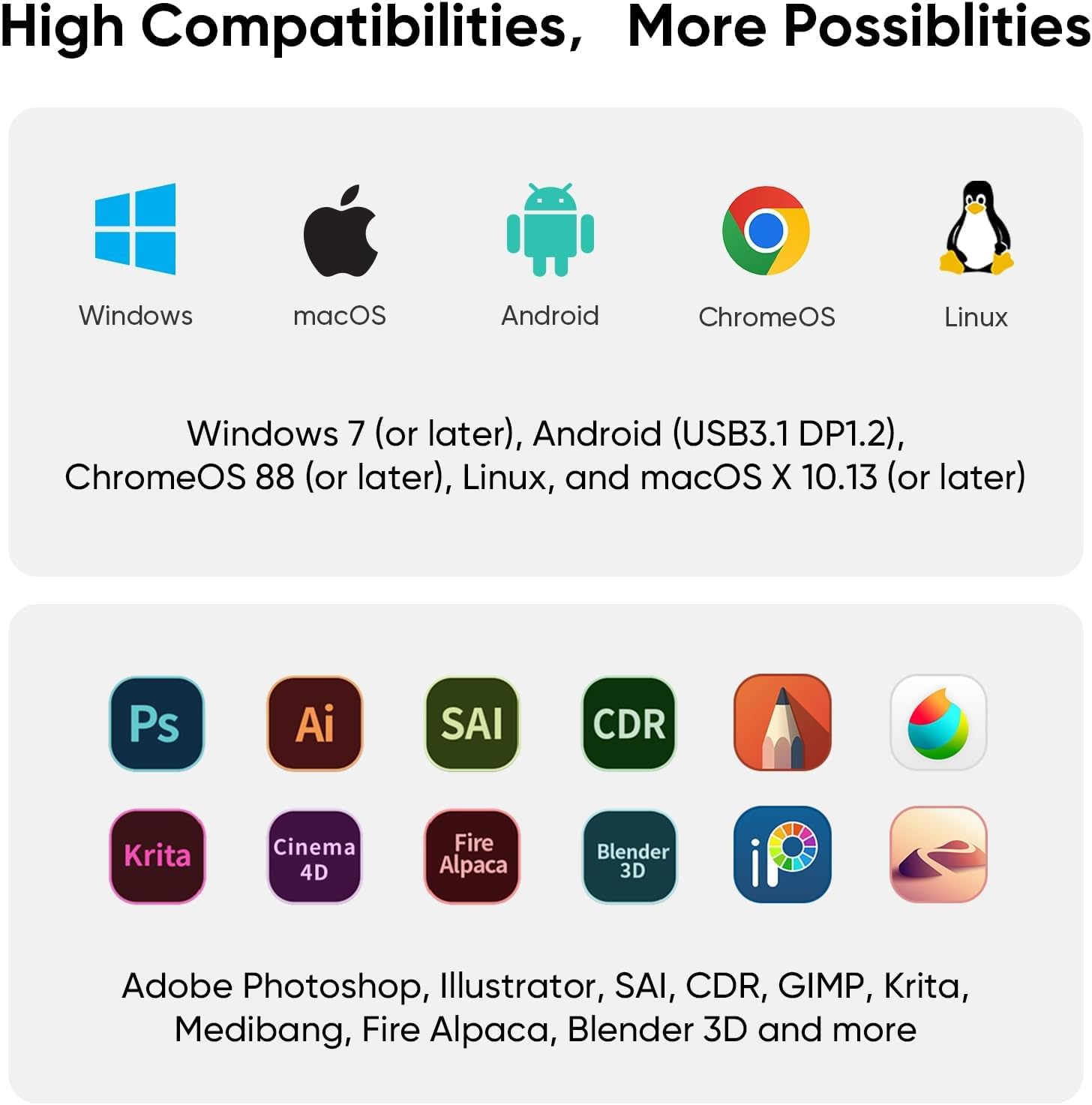
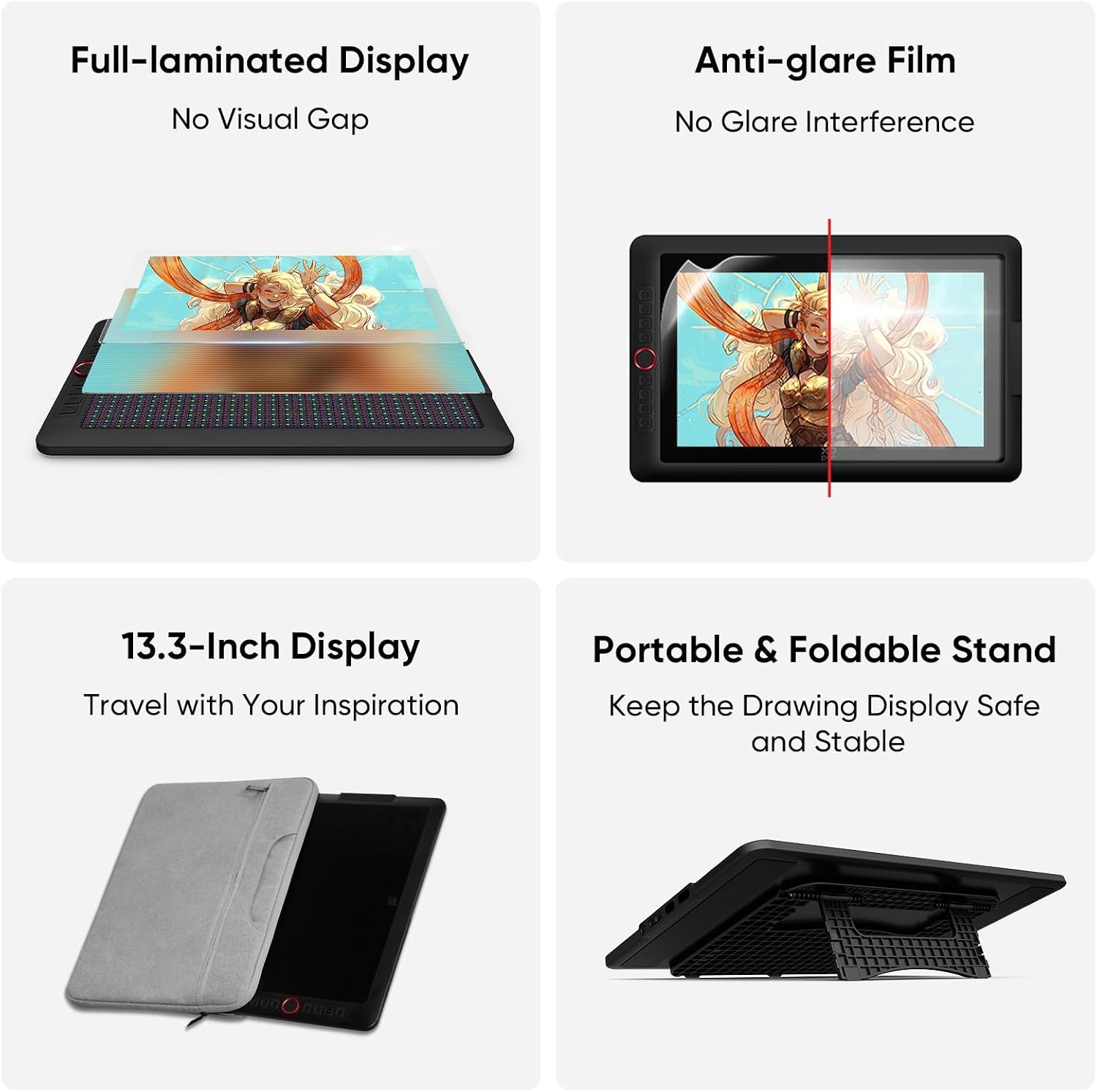
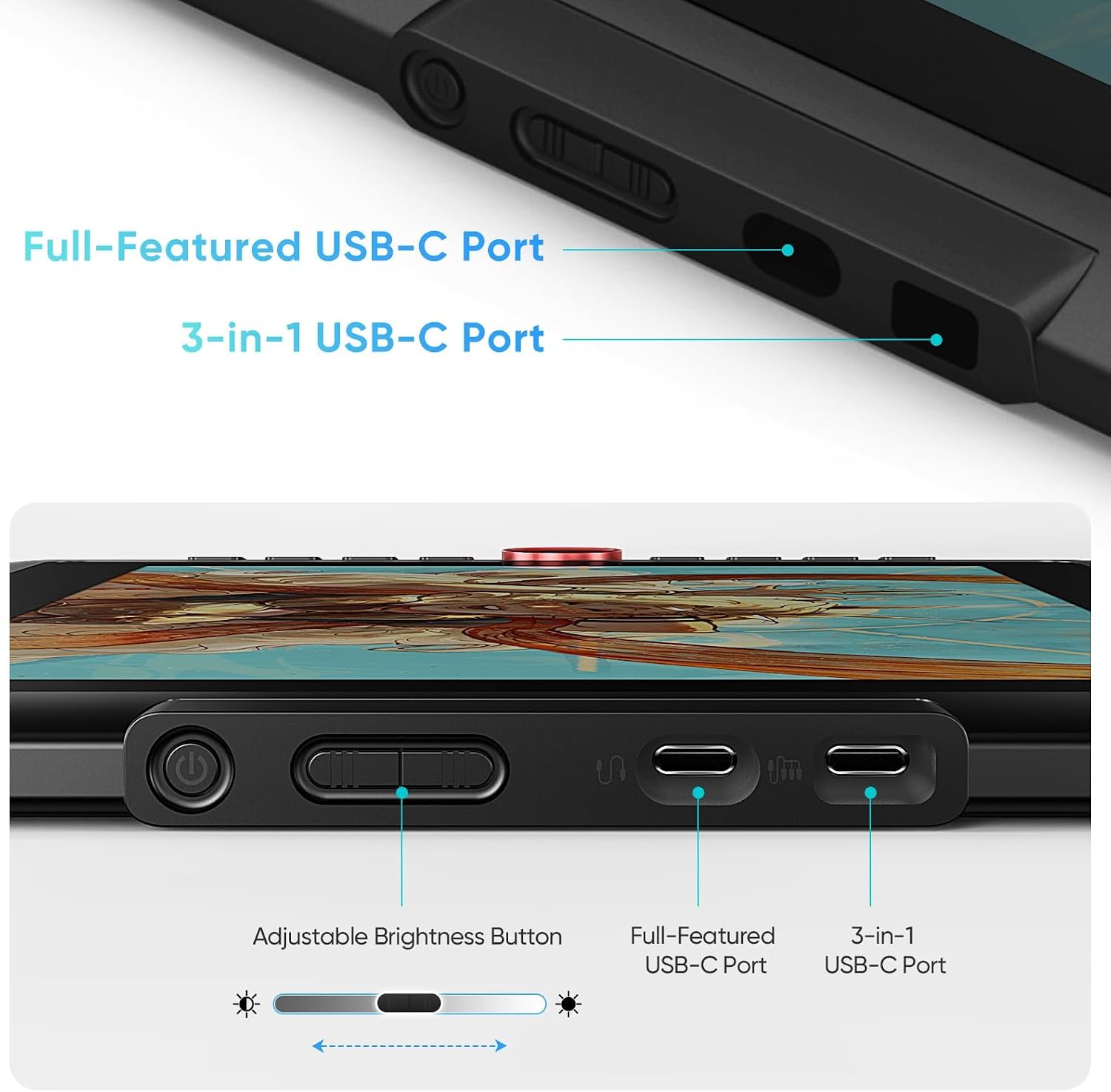
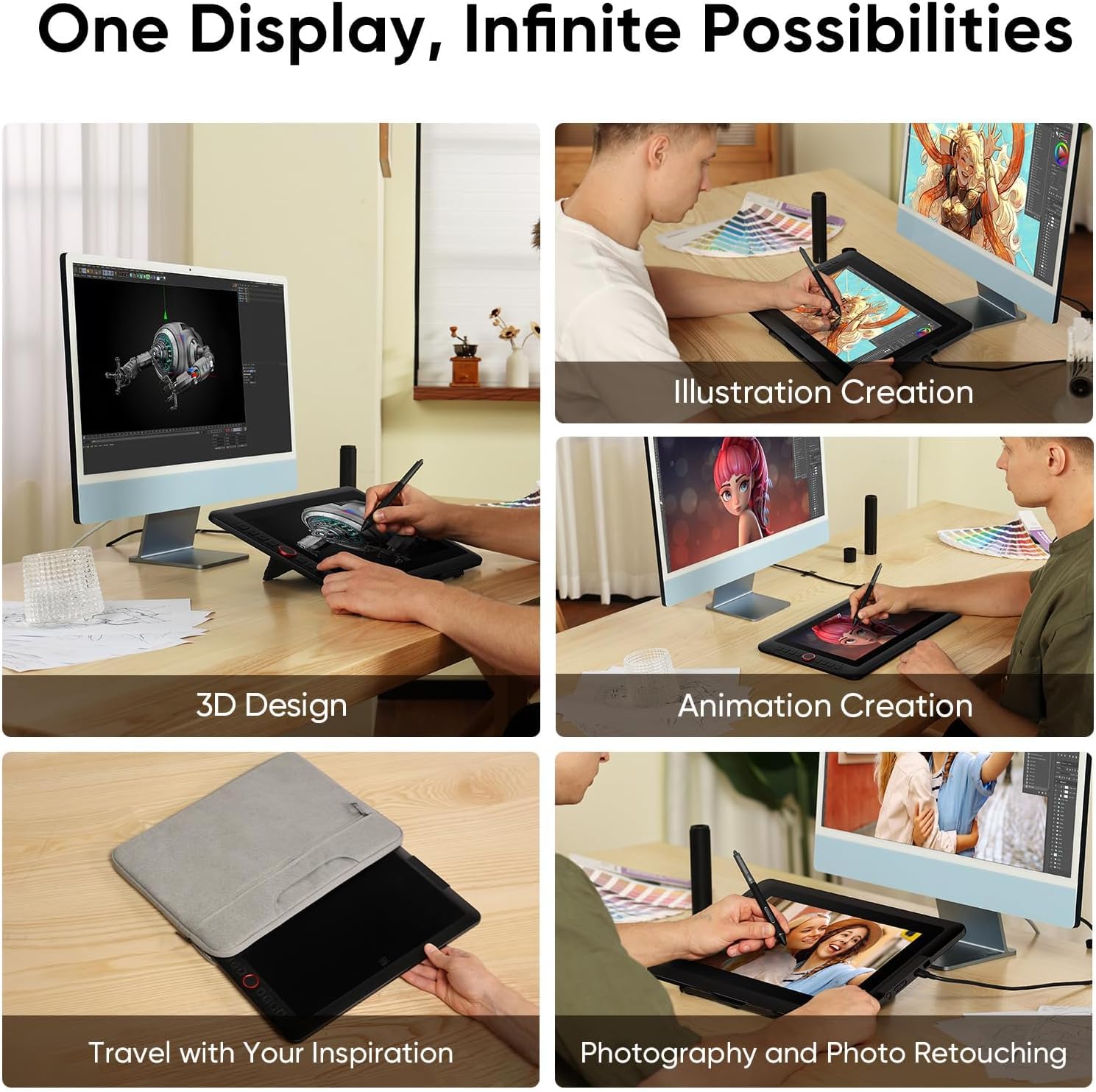
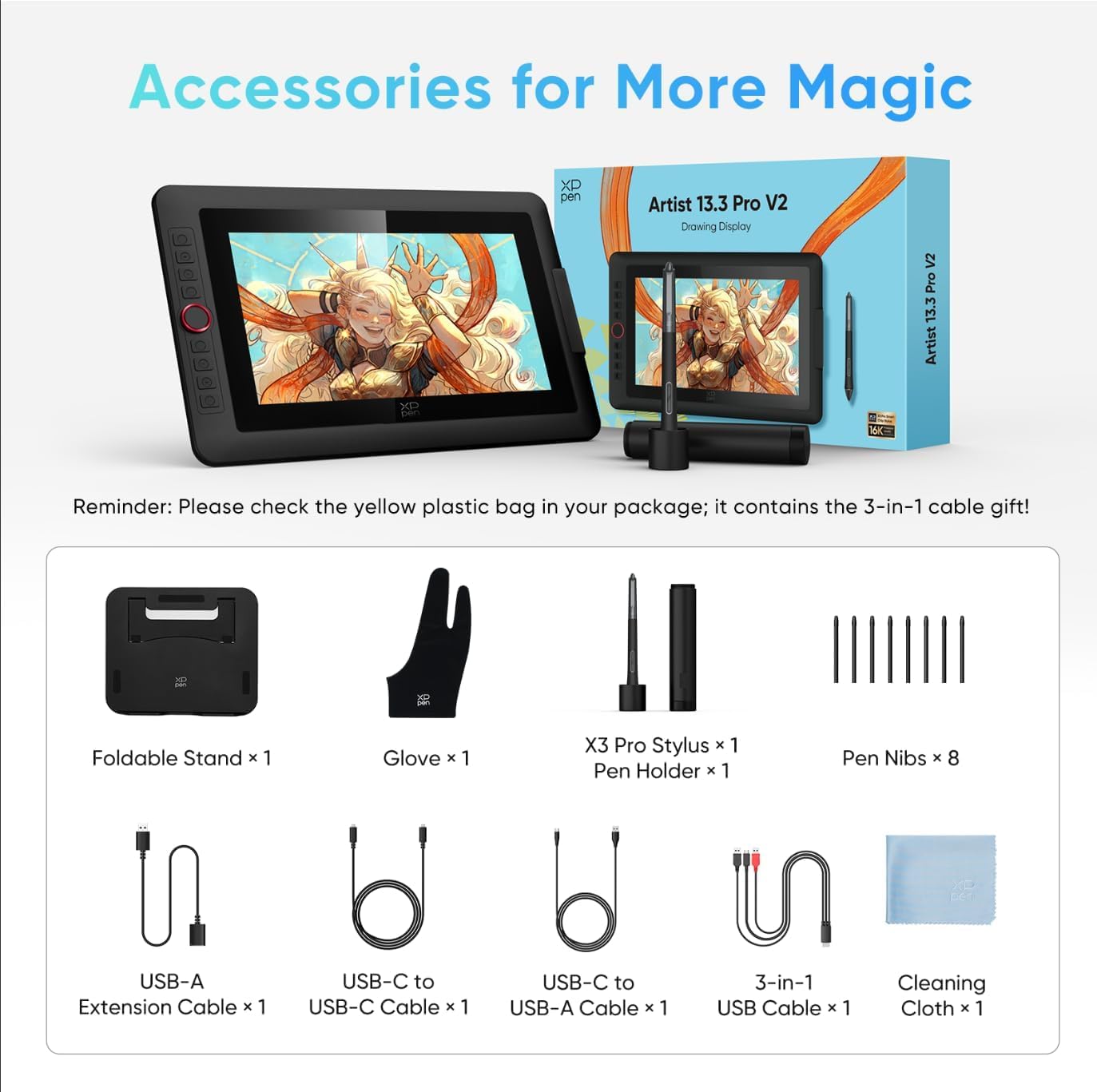
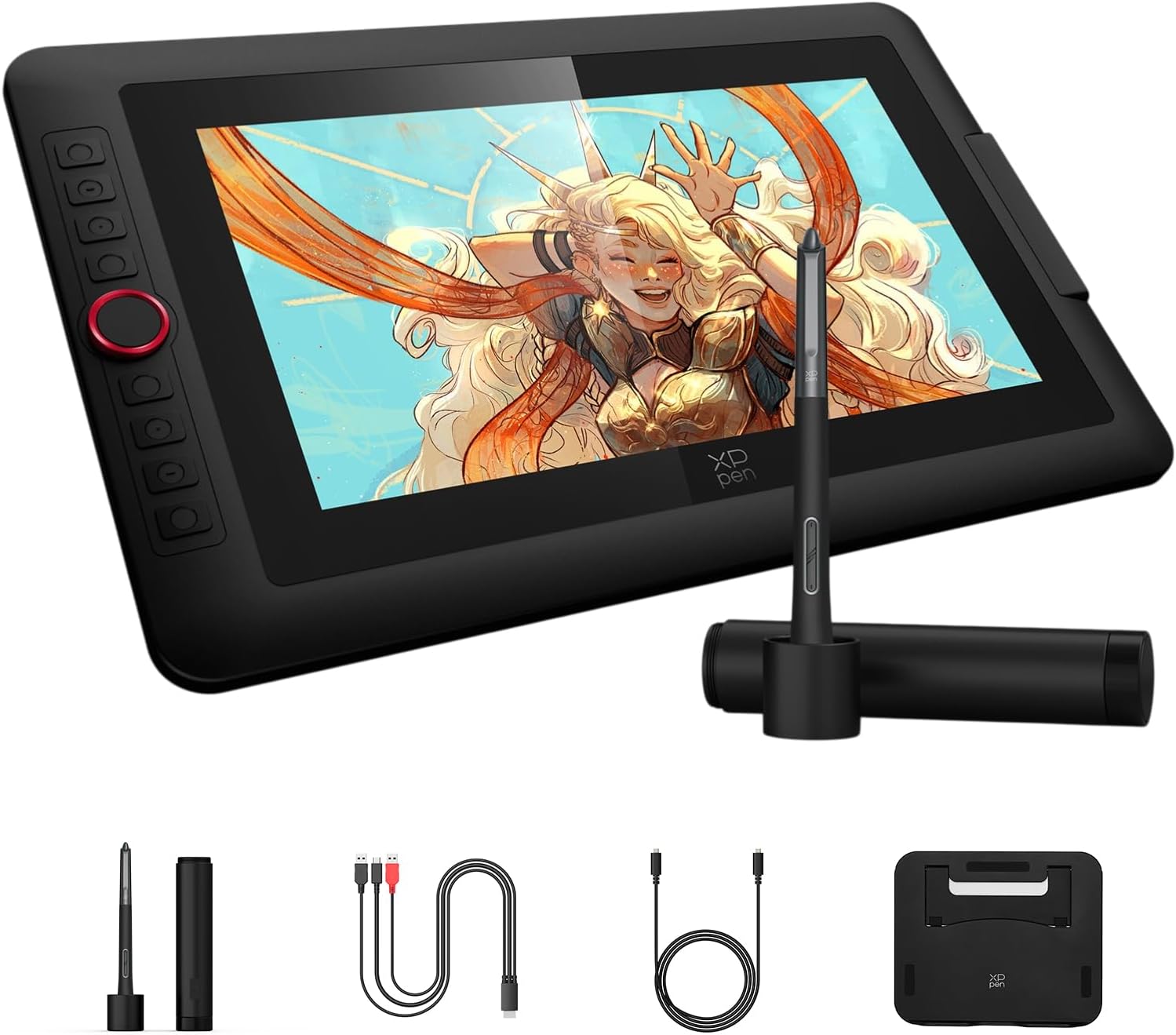
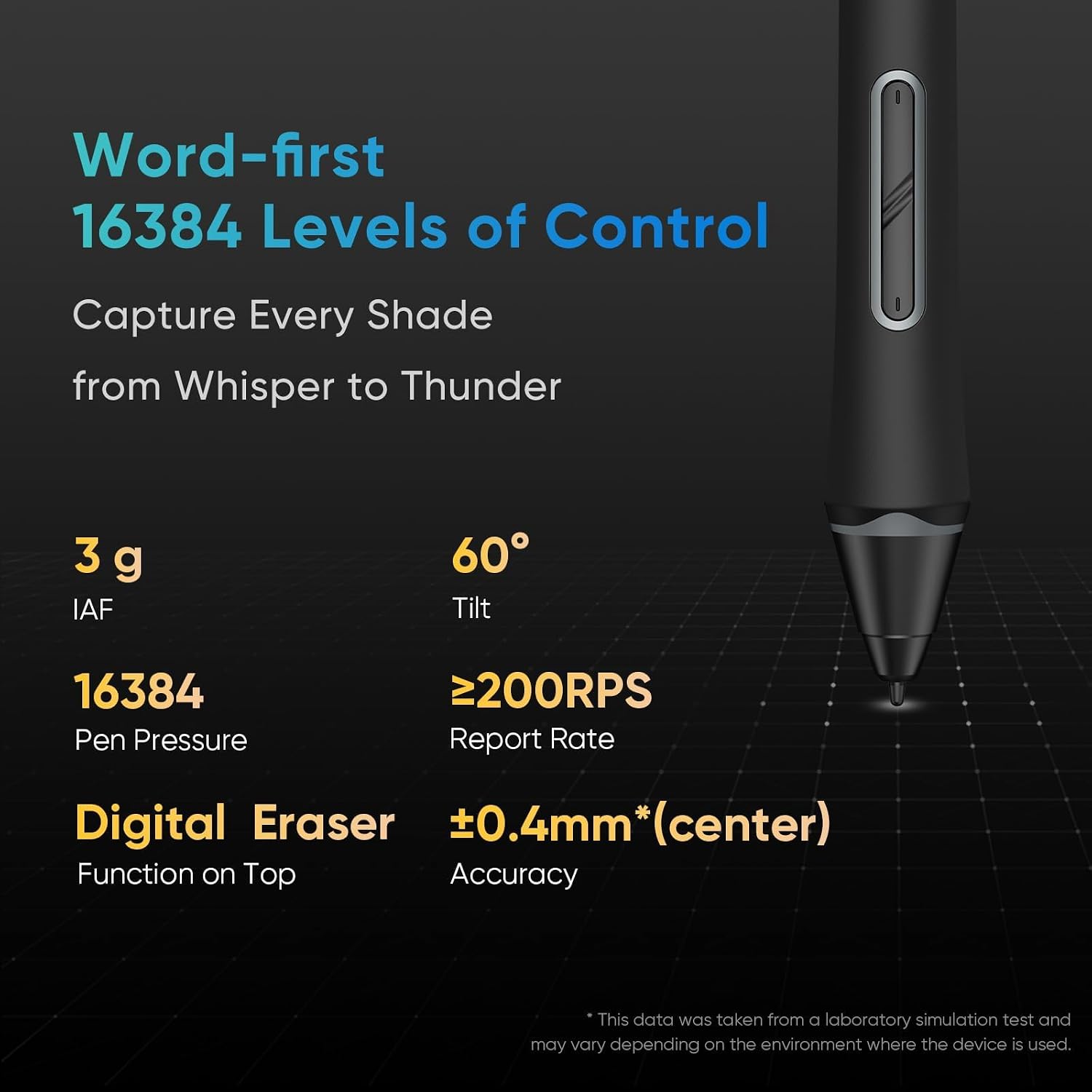
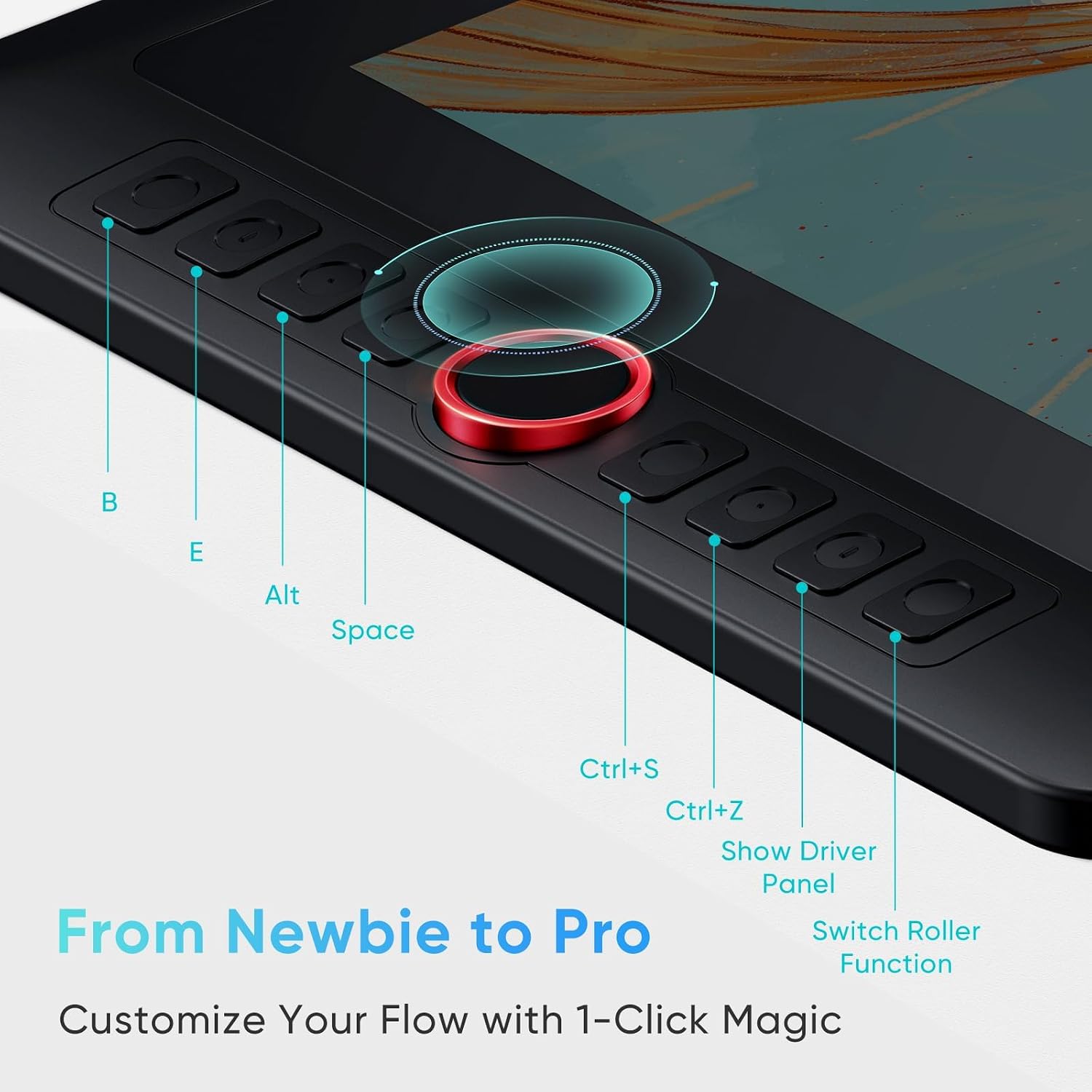
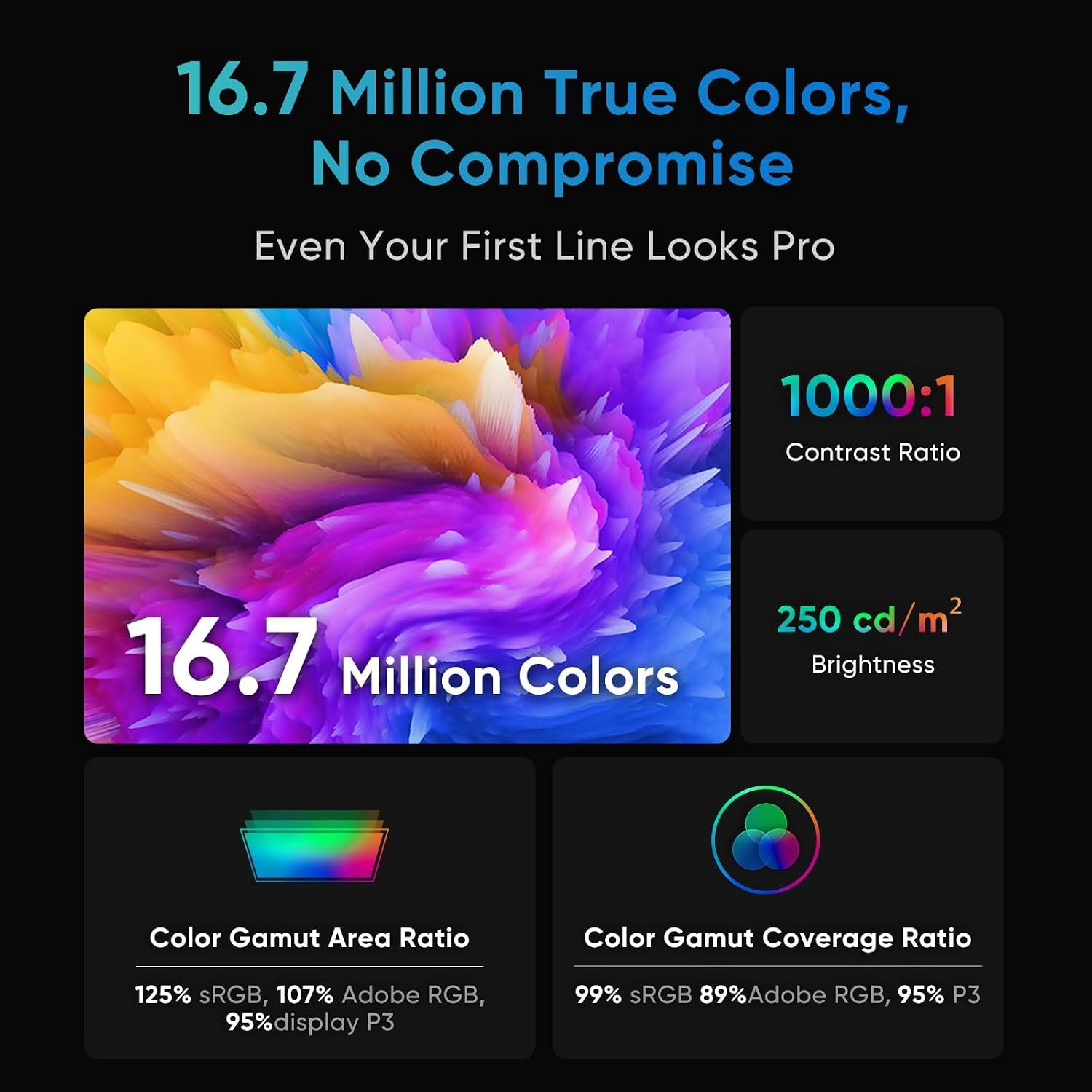
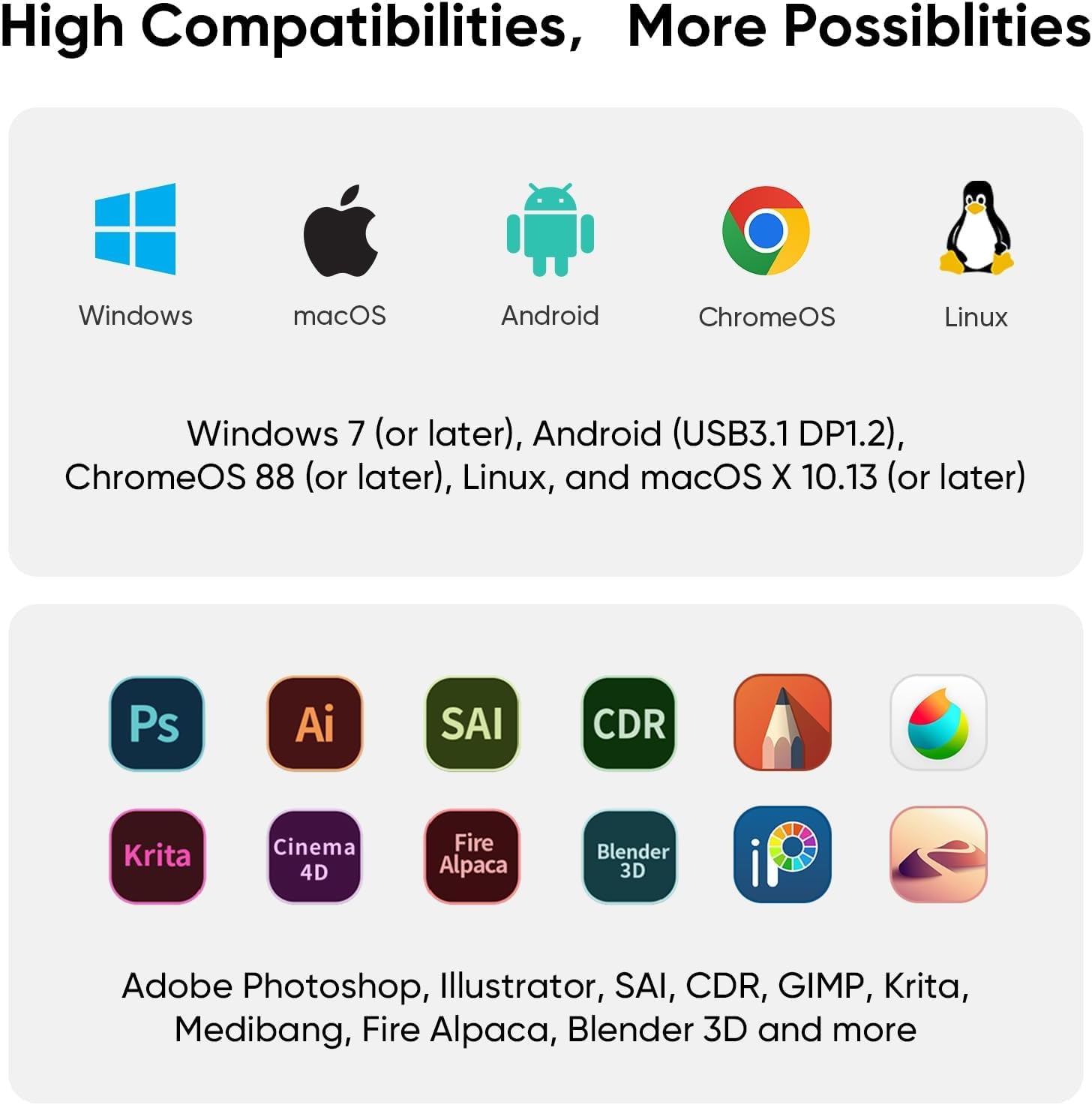
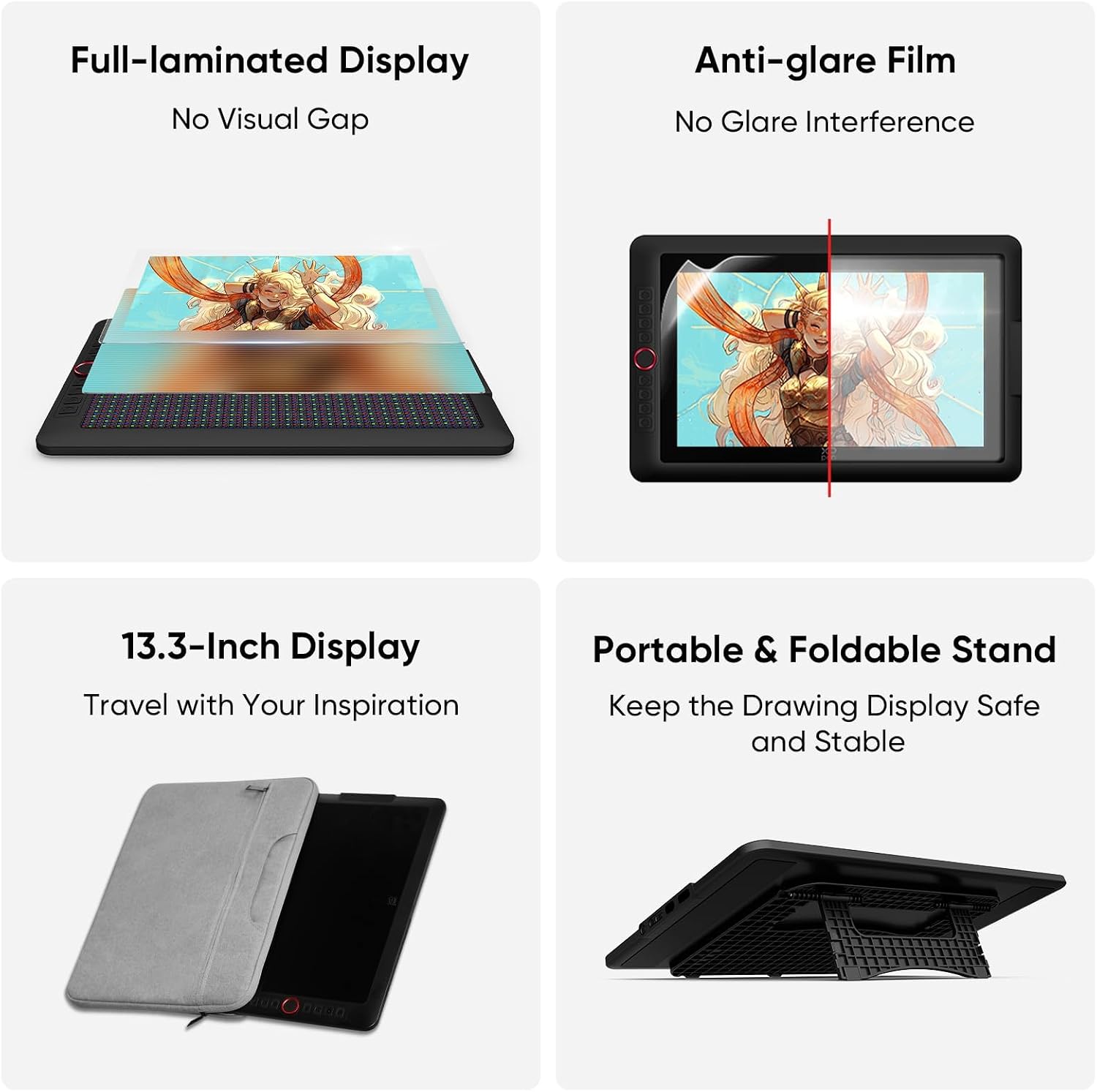
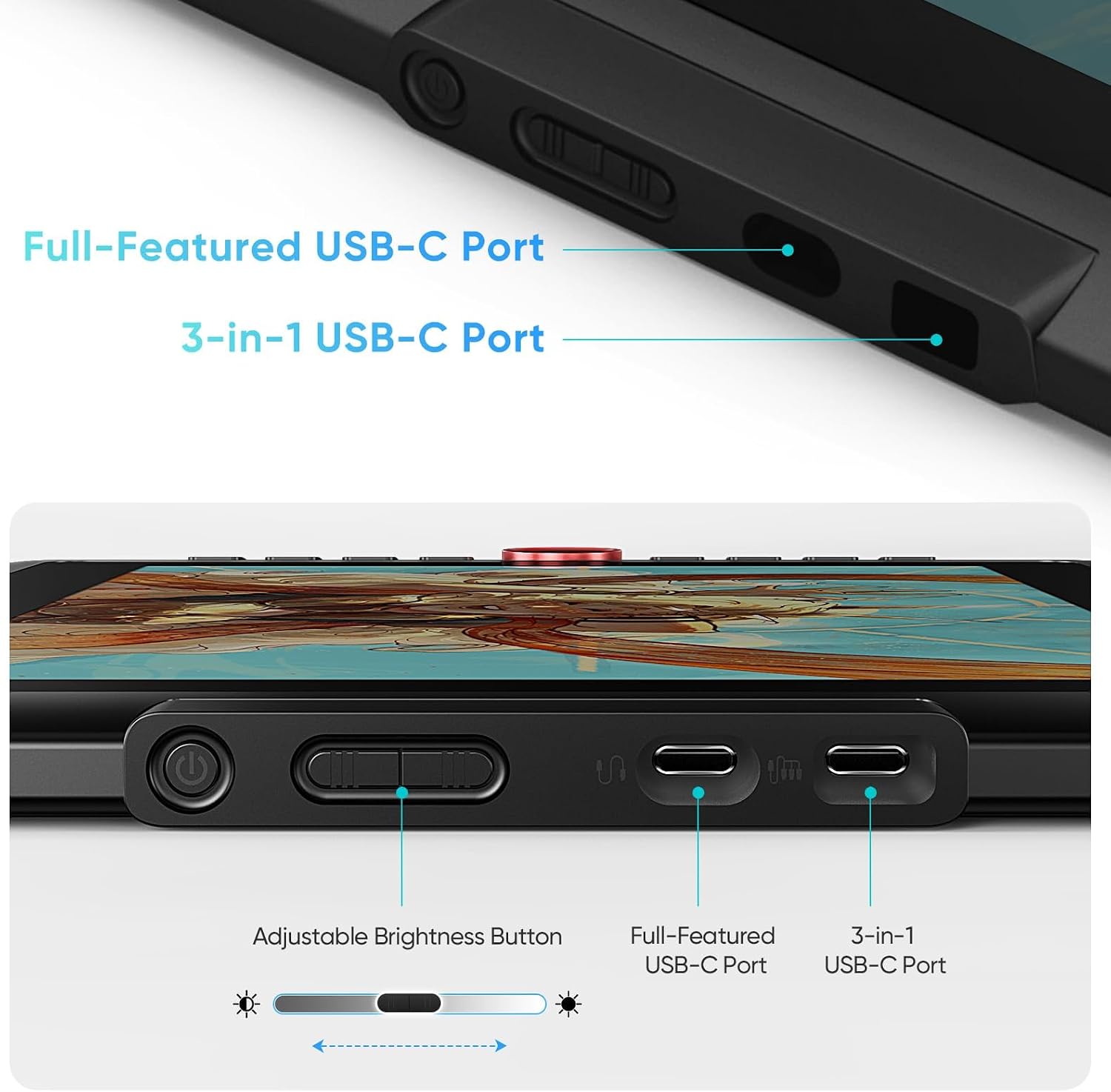
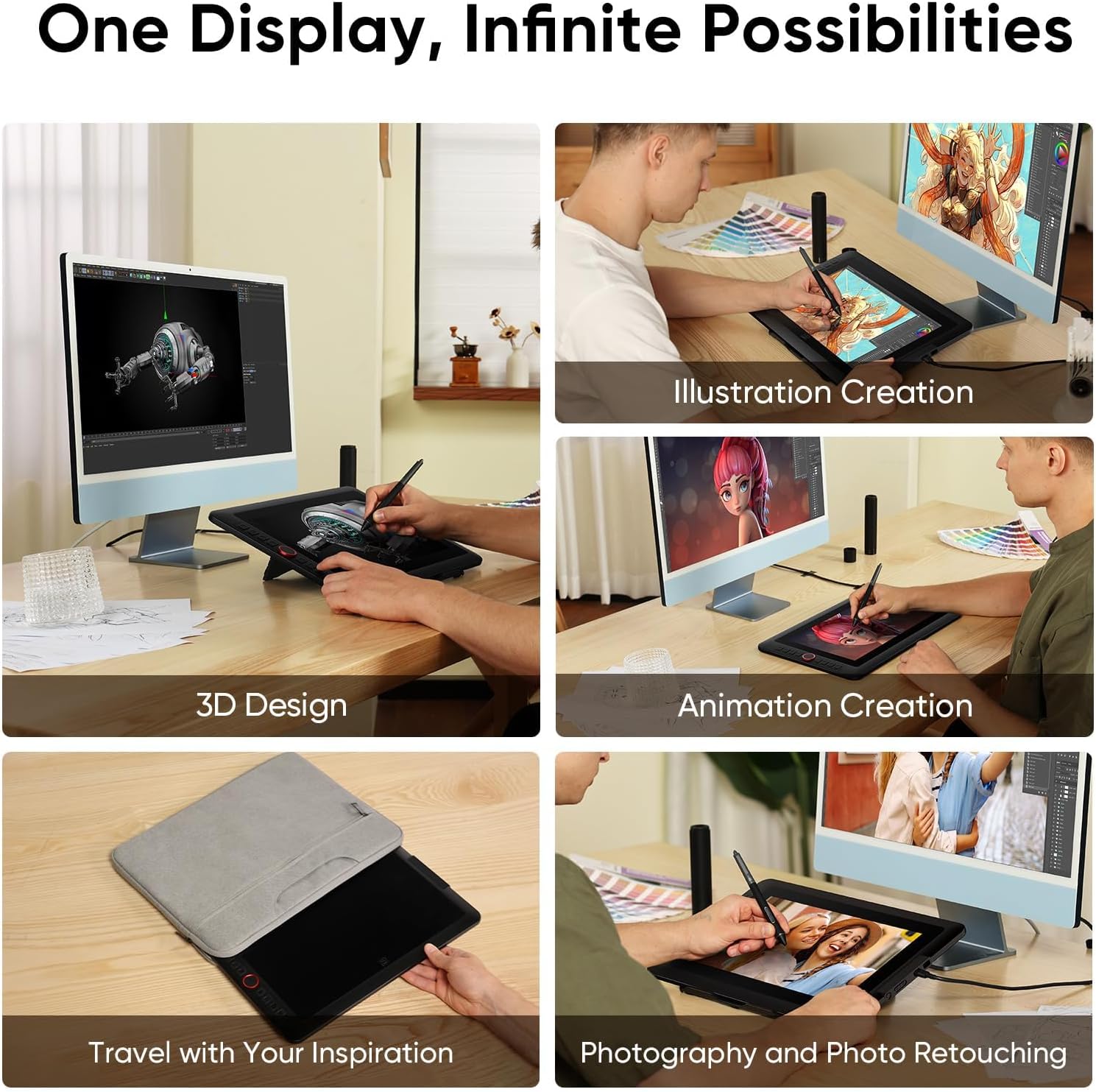
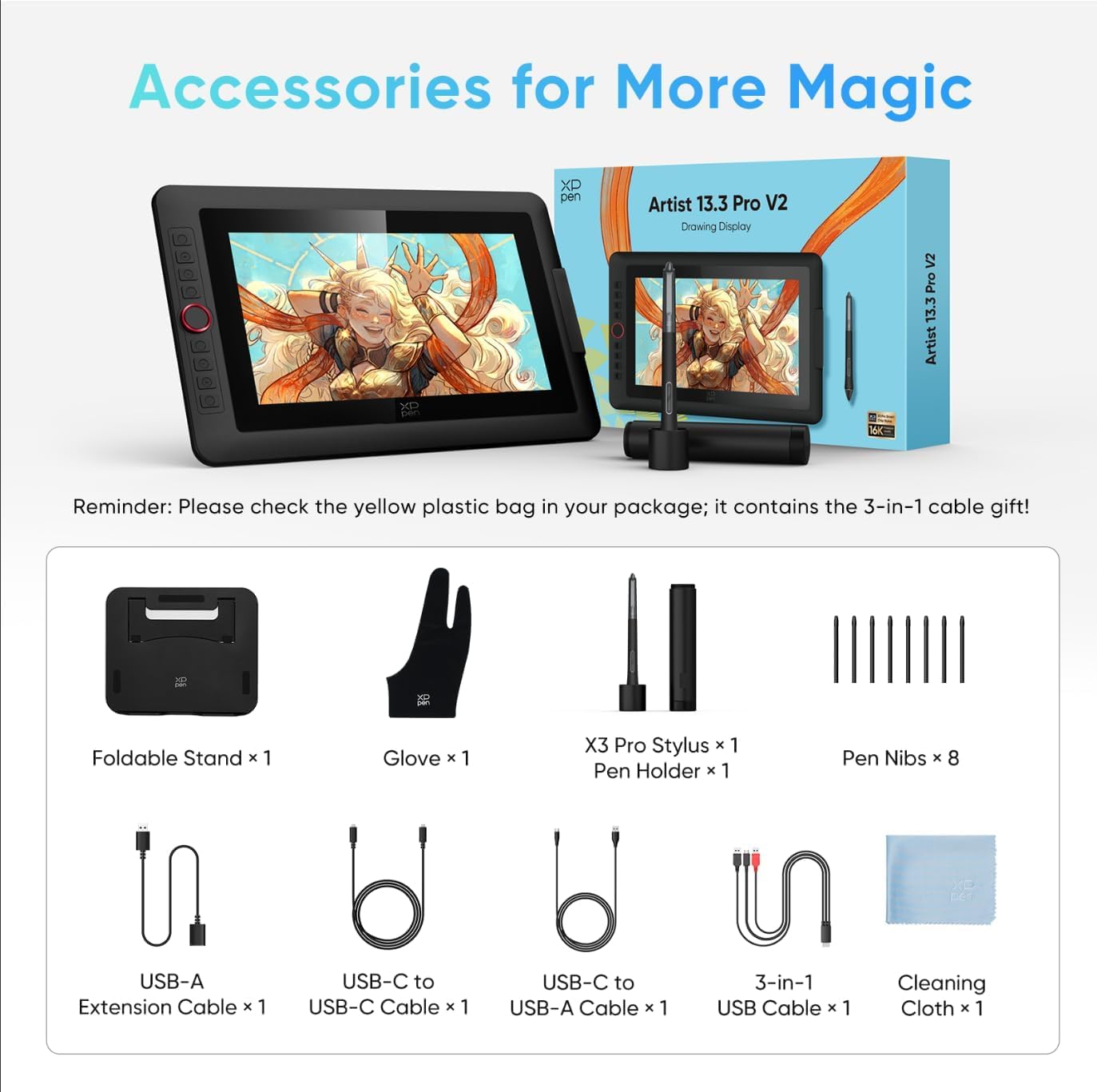
Word-first 16K Pressure Levels: 1.5x* faster than ever. Initial response rate decreases to 90ms*. Accuracy increases by 20% to bring out every art project precisely what you want. Virtually no lag or broken lines. X3 pro smart chip stylus delivers much more precise and smooth lines than ever before - exceling athyper-nuanced creation and beyond Easy Control, One Scroll for All: Easy & efficiency Red Dial Quick Key simplifies the interface for beginners, like aspiring graphic designers and junior illustrators, allowing them to master essential controls such as brush size, navigation and zoom In/Out. This design ensures a natural hand position, reducing wrist strain during prolonged use. Additionally, with 8 customizable keys, users can easily assign frequently used functions, streamlining their workflow and minimizing interruptions User-friendly Setup: Understanding that many artists and designers, especially beginners, may not be tech-savvy,the new 13-inch drawing tablet features clear setup instructions for hassle-free installation. With an updated driver and intuitive interface, users can easily configure the drawing screen, and pens with a single installation. Quick access to settings allows adjustments to brightness, contrast, and color temperature (Windows only), enabling even newcomers to start creating right away Stunning Color Accuracy: Featuring 125% sRGB, 107% Adobe RGB, 95%display P3 color gamut, this tablet ensures every stroke has exceptional color fidelity. With 16.7 million colors at 8-bit depth, you can enjoy smooth gradients and rich transitions. The 250 cd/m² brightness and 1000:1 contrast ratio provide clearer, more vivid images, allowing artists to see their creations accurately. Ideal for both professionals and hobbyists Exceptional Visual Experience: Our 13.3-inch drawing tablet features a full-laminated screen with AG Film, reduces parallax and glare for a paper-like feel. With Full HD resolution and an IPS panel, enjoy vibrant colors and sharp details from a wide 178° viewing angle, ideal for drawing, animation, photography, fashion, architecture design, and much more Adjustable Stand AC42: The Adjustable Stand(266.3mm x 222.9mm) provides a stable base for tablets up to 13.3 inches, ensuring security and better heat dissipation. Its 90-degree angle adjustment promotes better posture and reduces neck and wrist strain, making it ideal for artists and designers during long sessions Versatility and Compatibility:Windows 7 (or later), macOS 10.13 (or later), Chrome OS 88 (or later), Android (with USB-C support,USB3.1 DP1.2), and Linux (driver support required).Compatible with Photoshop, Illustrator, SAI, CDR, GIMP, Krita, Medibang, Fire Alpaca, Blender 3D and more PLEASE NOTE: Full-Featured USB-C cable is included. It is NOT a standalone drawing tablet, you need to use it with your computer or laptop
How does 16K pressure sensitivity improve my drawing experience?
The 16K pressure levels capture subtle stroke changes for smooth transitions and precise shading. It offers a natural pen-on-paper feel, perfect for detailed sketching and professional CG coloring with ultra-low latency
Does it support a single-cable USB-C connection, and is the cable included?
Yes! Dual USB-C ports support a clean one-cable setup for power and signal. We include a full-featured USB-C cable in the box to ensure a hassle-free, plug-and-play experience for compatible laptops and Android devices
What are the screen's color specs and does it reduce glare in bright light?
With 99% sRGB and 95% P3 gamut, it delivers vibrant, accurate visuals. The full-laminated screen minimizes parallax, while the anti-glare finish reduces reflections, ensuring clarity even in bright indoor environments
Is this display compatible with my creative software and operating systems?
It is compatible with Windows, macOS, Android (USB3.1 DP1.2), ChromeOS, and Linux. It works seamlessly with professional software like Photoshop, Illustrator, SAI, and Clip Studio Paint for a smooth creative workflow
What shortcut features are included, and does it have a tablet mode?
It features a mechanical roller and 8 customizable keys to streamline your workflow. You can also switch to 'Pen Tablet Mode' to turn off the screen, saving power and reducing eye strain during long sketching sessions
XPPen Artist 12 3rd
Add to Cart
XPPen Artist 16 3rd
Add to Cart
XPPen Artist Pro 19 Gen2
Add to Cart
XPPen Artist Pro 22 Gen2
Add to Cart
XPPen Artist Pro 24 4K
Add to Cart
Artist Pro 27 (Gen 2)
Add to Cart Customer Reviews 4.4 out of 5 stars7534.4 out of 5 stars1,0524.4 out of 5 stars964.5 out of 5 stars2044.6 out of 5 stars494.3 out of 5 stars1414.3 out of 5 stars141 Price $229.99$229.99 $209.99$209.99 $329.98$329.98 $899.99$899.99 $599.99$599.99 $1,266.00$1,266.00 $1,899.99$1,899.99 Color Gamut Volume 125% sRGB, 107% Adobe RGB 99% sRGB/97% Adobe RGB/97% P3 99% sRGB,98% Adobe RGB,97% DP3 99.8%sRGB,96%Adobe,98%D3 99% sRGB,99% Adobe RGB, 94% P3 99% sRGB,99% Adobe RGB,98% DP3 99% sRGB,99% Adobe RGB,97% DP3 Screen Resolution Full HD (1920×1080) Full HD (1920×1080) Full HD (1920×1080) 4K UHD (3840x2160) 2.5K QHD (2560 x 1440) 4K UHD (3840x2160) 4K UHD (3840x2160) Pen Pressure 16384 Levels 16384 Levels 16384 Levels 16384 Levels 16384 Levels 16384 Levels 16384 Levels Tilt ±60° ✔ ✔ ✔ ✔ ✔ ✔ ✔ Working Area 13.3 inch 11.9 inch 15.4 inch 18.4 inch 21.5 inch 23.8 inch 27 inch Adjustable Stand ✔ ✔ ✔ ✔ ✔ ✔ ✔ Shortcut Keys 1 Dial+8 short keys 2 Dial+8 short keys 2 Dial+8 short keys ACK05 Wireless Keydial ACK05 Wireless Keydial ACK05 Wireless Keydial ACK05 Wireless Keydial Connectivity 3-in-1 HDMI, USB-C 3-in-1 HDMI, USB-C 3-in-1 HDMI, USB-C 3-in-1 HDMI, USB-C 3-in-1 HDMI, USB-C 3-in-1 HDMI, USB-C 3-in-1 HDMI, USB-C
Updated Artist13.3 Pro V2 requires a connection to a PC or laptop to work.
How does 16K pressure sensitivity improve my drawing experience?
Does it support a single-cable USB-C connection, and is the cable included?
What are the screen's color specs and does it reduce glare in bright light?
Is this display compatible with my creative software and operating systems?
What shortcut features are included, and does it have a tablet mode?